Returning Customers
Your previous account was migrated to the new website, along with your past orders. However, for security reasons, passwords were not migrated and as such your account requires a password reset. We didn’t want to alarm you by sending an automatic reset to your inbox, so here we provided a quick guide on how to reset your password and gain access your account:
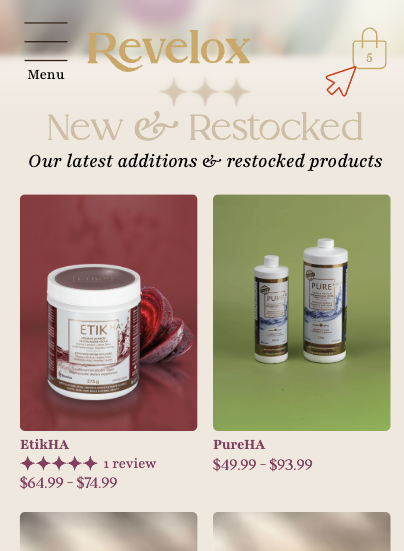
First, click/tap on the cart icon at the top right.
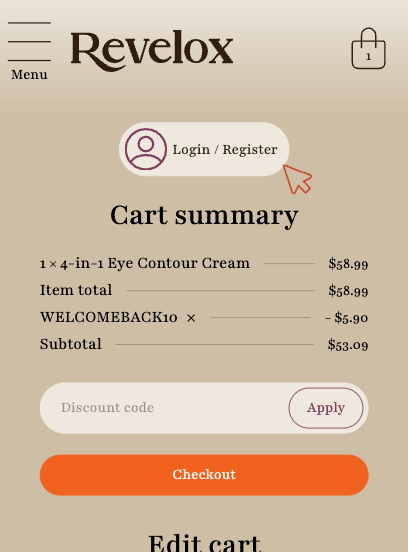
Living at the top of your cart is the Login / Register button. When logged in, this is also where you will have access to your account to change your information and view past orders.
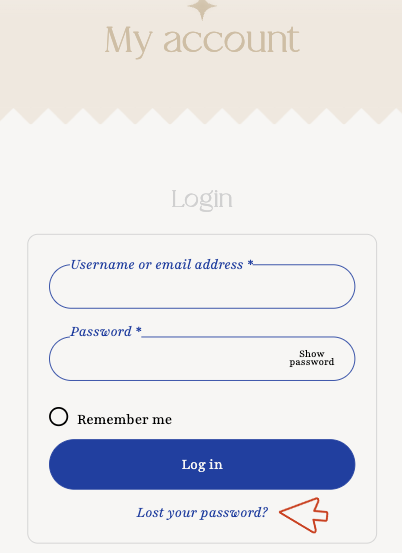
Under the My Account page, go to the “Login” form and click/tap “Lost your password?”
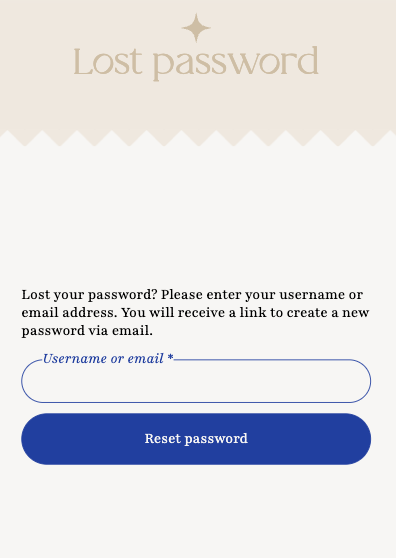
In the Lost password page, enter the username or email used for your account and click/tap “Reset password”.
You will receive an email in your inbox shortly after with a link to enter your new password.
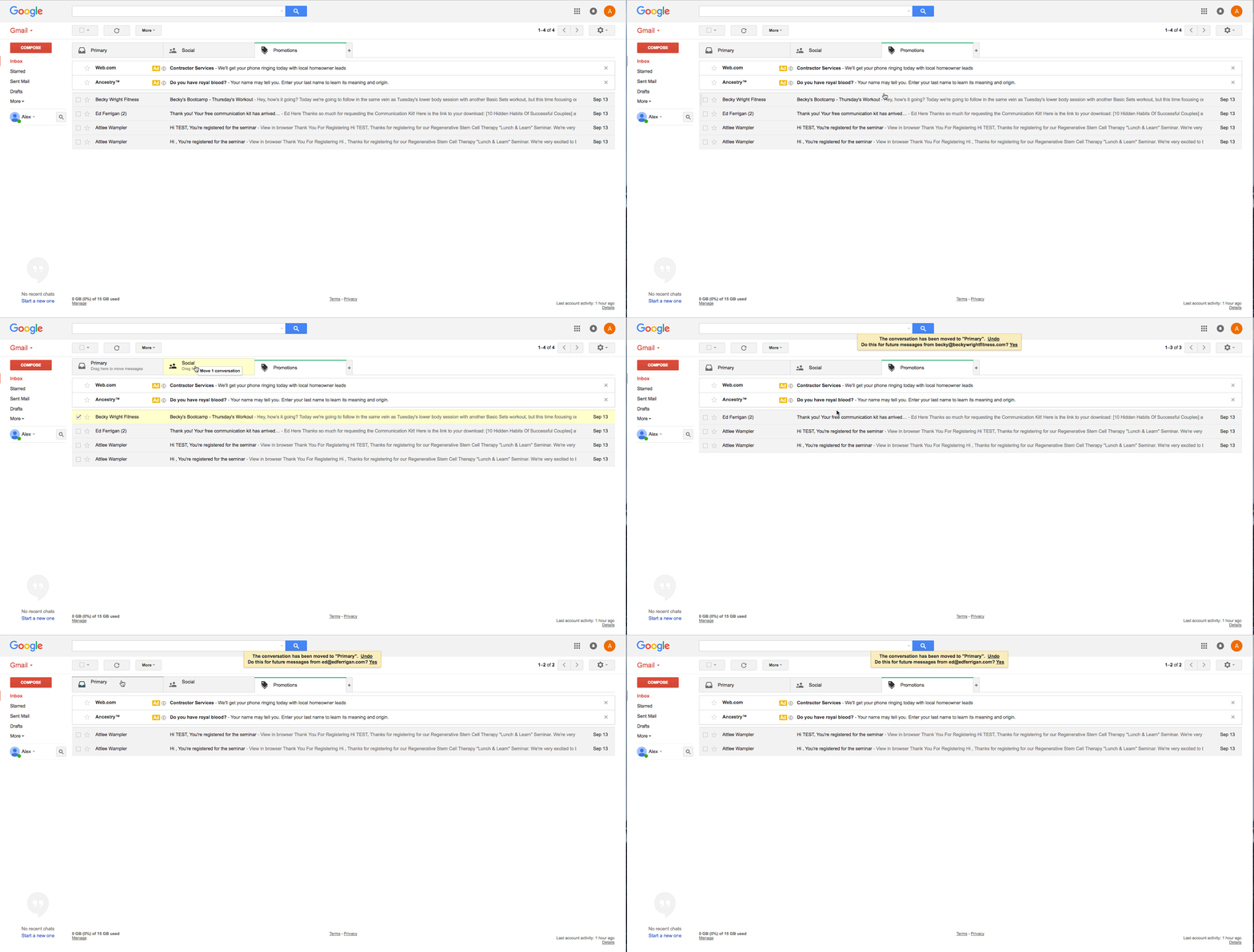
Gmail user may receive this email under the “Promotions” tab instead of their main inbox. We invite everyone to search for all emails from “notifications@revelox.com” (making sure to select “All mailboxes”) if you cannot find the reset password email.
If you encounter any issues in this process, we encourage you to contact us using the form below.